![ID-logo-colour_version_2.png]](https://answers.id.com.au/hs-fs/file-2628100188-png/images/ID-logo-colour_version_2.png?height=40&name=ID-logo-colour_version_2.png)
Your saved catchments are stored in the Catchments panel. Use this guide to find a catchment, open it on the map, and bring all your catchments into view at once.
Steps
- Open the Catchments panel: In the left toolbar, click the Catchments icon. Your saved catchments appear in the list.
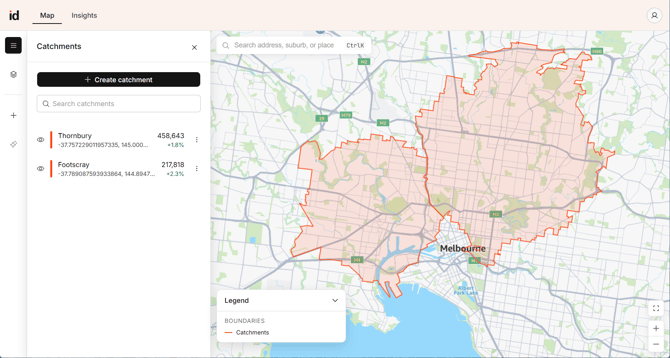
- Find your catchment: Use the 'Search catchments' field to filter the list by name, or scroll to find it. Each row shows a colour bar matching how the catchment appears on the map, its name, its location, the forecast population for the current year and the change over five years. Where a catchment was built from a dropped pin rather than an address, the location shows as a coordinate.
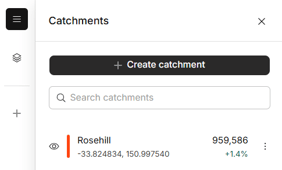
- Open the catchment: Click a catchment in the list to open it on the map, then click 'View insights' for its forecast data. Use the eye icon on each row to show or hide a catchment on the map.
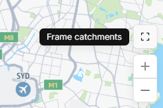
- Bring all your catchments into view: Click the frame icon at the bottom right of the map, just above the zoom controls, to fit every visible catchment on screen. Only catchments with the eye icon turned on are included, so hide the ones you don't need first.
What to Expect
The catchment opens on the map with a summary of its forecast, and you can open the full Insights page from there.